 By John Mercado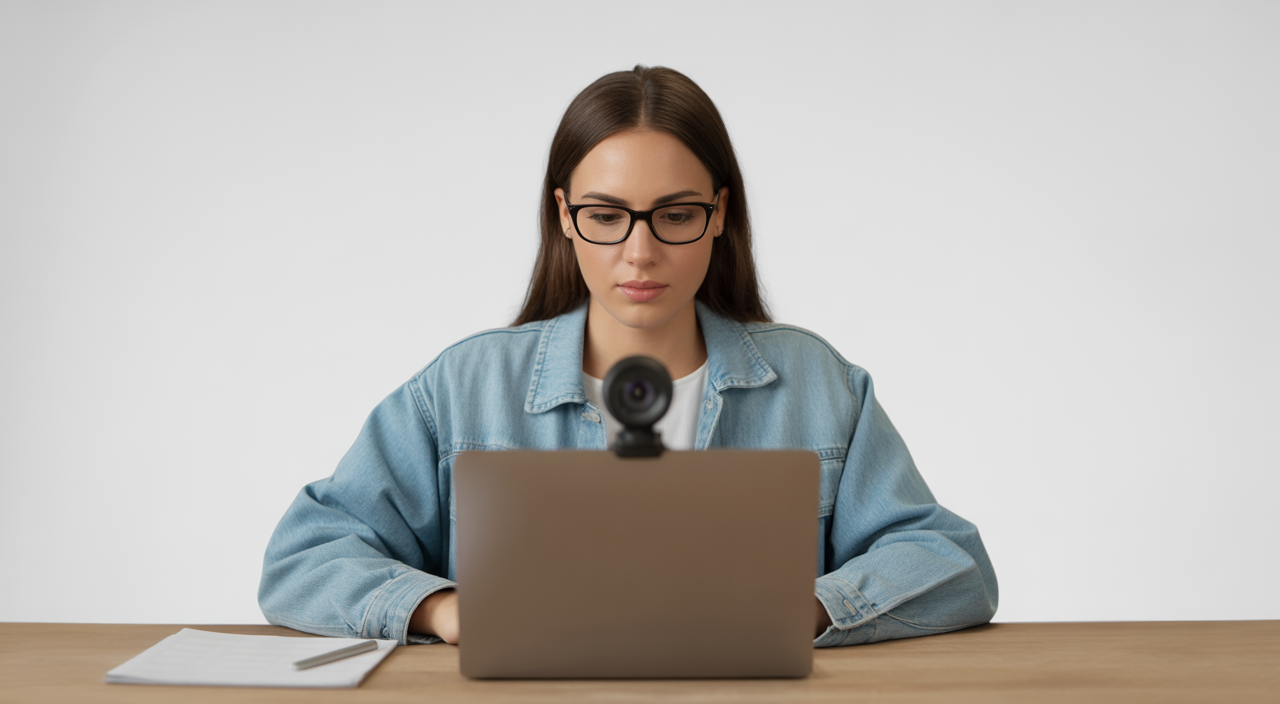
What is secure remote proctoring software and why does it matter today?
Online exams are now common for universities, corporate training, and professional certifications. But with this shift, one big question comes up: how do you keep exams fair and secure when candidates sit at home? This is exactly where a reliable software secure remote proctor solution becomes important.
Secure remote proctoring software lets you conduct exams online while monitoring candidates through their camera, microphone, and screen. It helps detect cheating, verifies identity, and protects question papers. When chosen well, it offers strong security without making the test taker feel stressed or uncomfortable.
For Indian institutions and companies, it also means saving travel costs, scaling exams to thousands of candidates, and supporting remote employees or students across cities and even countries.
What is secure remote proctoring?
Secure remote proctoring is a system that supervises online exams using technology instead of a physical invigilator in the room. It combines video, audio, screen sharing, and smart rules to track what a candidate does during the test.
Most tools follow one of three models:
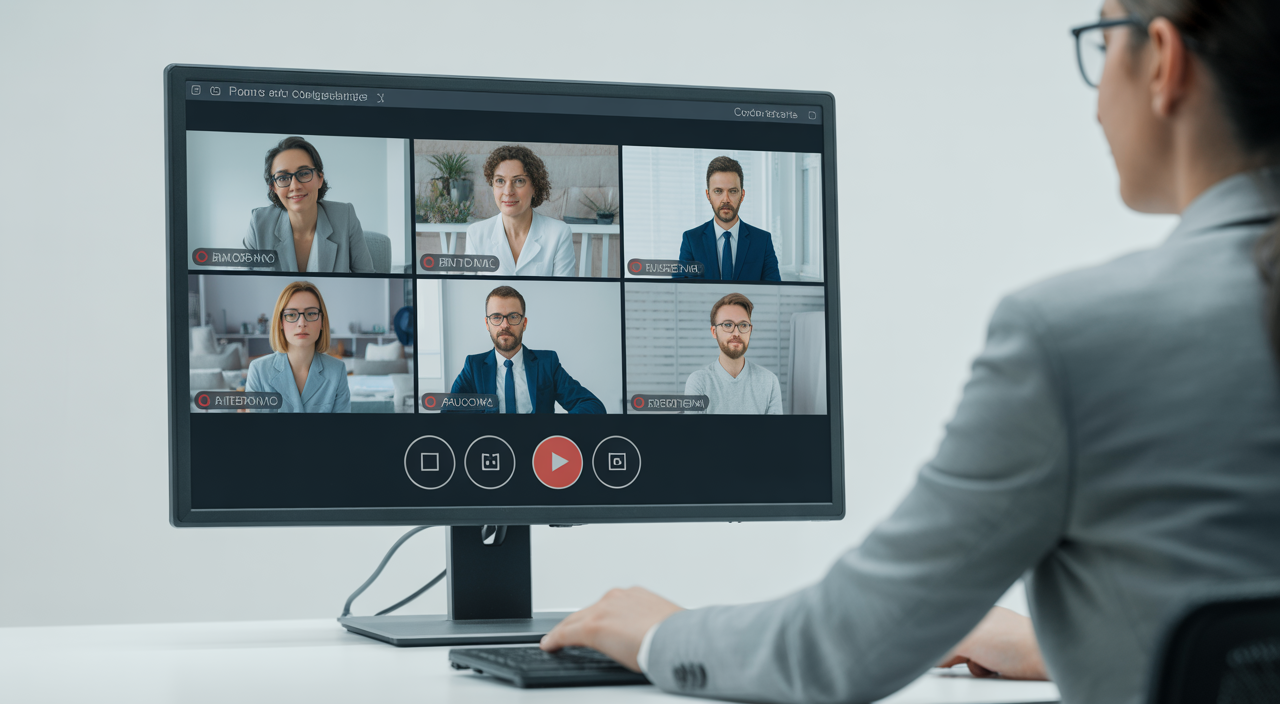
- Live proctoring: A human proctor watches candidates in real time through a dashboard and can pause or end the exam if something looks wrong.
- Automated (AI-based) proctoring: The software itself flags suspicious actions like multiple faces on camera, frequent eye movement away from the screen, or switching windows.
- Hybrid proctoring: The system records and flags events, while a human reviews those events before final approval.
This setup is especially useful for large-scale competitive tests, corporate assessments, and professional certification exams where exam integrity is non-negotiable.
How does a software secure remote proctor solution work?
Identity verification & authentication
Before the exam starts, the system verifies who is taking the test. Common methods include:
- ID verification: The candidate shows a government ID card to the camera. The photo and details are checked against the exam profile.
- Face match: The software compares the live video frame with the ID image.
- Environment check: The candidate may be asked to move the webcam around the room to show there are no books, phones, or other people.
This simple flow stops impersonation and ensures that the registered person is the one actually writing the exam.
Live human vs automated monitoring
With live proctoring, trained invigilators watch multiple candidates on one screen. They can chat with candidates, provide quick support, and intervene if rules are broken. This is great for high-stakes exams where human judgment is vital.
With automated proctoring, algorithms track patterns such as looking away too often, unusual sounds, or attempts to open other applications. The system marks such events as “suspicious” and creates a risk score for each candidate. Hybrid setups combine both, offering strong security while keeping costs controlled.
Continuous monitoring & cheating detection
Modern exam integrity solutions do more than just start and end checks. They monitor continuously throughout the exam. Typical checks include:
- Multiple faces in the webcam frame
- Use of external monitors or screen mirroring
- Keyboard shortcuts that hint at copy-paste from other sources
- Unusual background noises that may suggest someone is dictating answers
All this is logged and can be reviewed later. For Indian educators and HR teams, these logs act as strong proof if any dispute arises about exam fairness.
Compliance & data privacy: what should you look for?
When you pick a secure online exams tool, you are trusting it with sensitive data: candidate IDs, face recordings, and exam scripts. So data protection and global compliance are critical.
Key standards to check include:
- FERPA or similar education privacy rules: Protects student records in academic setups.
- GDPR-style data protection: Requires clear consent, data minimisation, and the right to delete records on request.
- ISO27001-aligned security practices: Ensures strong processes for managing and securing information systems.
A strong provider will clearly explain where data is stored, how long recordings are kept, who can access them, and how they are encrypted. For peace of mind, ask for written policies and sample data-processing agreements before signing.
Integrations & technical requirements
Good remote invigilation tools do not work in isolation. They integrate smoothly with your existing systems to reduce admin work.
- LMS integrations: Direct plug-ins for popular Learning Management Systems let you schedule exams, sync student lists, and push marks back without manual uploads.
- Single sign-on (SSO): Candidates can use one login across your portal and the proctoring system, lowering confusion and support tickets.
- Browser lockdown: A secure browser limits copy, paste, print, and navigation to other websites during the exam.
From a technical side, most platforms only require a basic laptop, webcam, mic, and stable internet. For Indian candidates in smaller towns, it is wise to run a system check a day before the exam so they can fix any issues in time.
ROI & cost comparison for Indian institutions
At first glance, secure proctoring software might look like an extra cost. But when you compare it with physical exam centres, it often saves money.
- No hall rental or local invigilator fees
- Lower printing, transport, and logistics costs
- Minimal rescheduling cost if a slot has to be changed
For example, suppose you conduct a 1,000-candidate exam three times a year across four cities. Hall, staff, and travel costs can easily run into several lakh rupees per cycle. With a scalable remote proctoring solution, you pay per candidate or per exam session, which often works out cheaper while also reducing admin burden.
Success stories: what results can you expect?
Many colleges and corporate training teams report clear benefits after moving to secure remote proctoring. Typical outcomes include:
- Sharp drop in reported cheating cases, thanks to continuous identity verification and online test monitoring
- Faster result processing, since everything is digital and centrally stored
- Higher participation from remote candidates who no longer need to travel to a test centre
If you are setting this up as part of a wider digital transformation, you may also find it useful to explore guidance like steps to get your systems ready before a major launch, as many of the same planning principles apply.
How to choose the right software secure remote proctor solution
Before finalising a vendor, use this quick checklist:
- Security strength: What anti-cheating features, browser controls, and monitoring tools are offered?
- Scalability: Can the platform handle thousands of concurrent candidates without lag?
- User experience: Is the exam flow simple for students and employees, even with basic devices?
- Support: Is there 24/7 technical help for both administrators and candidates?
- Pricing clarity: Are costs per candidate, per exam, or subscription based, and are there any hidden fees?
It is also smart to run a small pilot with a few hundred candidates. This helps you measure adoption, test your internal processes, and collect honest feedback before a full rollout. For broader digital projects, frameworks similar to those used in ongoing website maintenance planning can guide your long-term support strategy for proctoring as well.
Getting started: practical next steps
If you are an academic administrator, begin with your exam policy. Define what counts as malpractice, how long you will store recordings, and how candidates can appeal. Then shortlist 2–3 secure remote proctoring providers and request demos focused on your exact use cases.
Corporate L&D teams can start by selecting a few key certification or compliance exams to move online. Track metrics like completion rate, support tickets, and suspected cheating incidents before and after deployment. Use these numbers to refine your approach and negotiate better pricing as you scale.
FAQs about secure remote proctoring software
Q1: Is secure remote proctoring fair to candidates with low internet speeds?
Yes, as long as the provider is chosen carefully. Look for platforms that adjust video quality based on bandwidth, offer pre-exam system checks, and allow quick reconnection without cancelling the entire exam. For high-stakes tests, you can also keep backup offline centres for candidates in areas with very poor connectivity.
Q2: How long are exam recordings typically stored?
This depends on your policy and local regulations. Many institutions choose 30 to 180 days, long enough to resolve any disputes. A good remote proctoring solution will let you configure retention periods and offer secure deletion after that period so you stay compliant with privacy rules.