
 By John Mercado
More Indian students and working professionals now prefer remote exams. This saves travel time, reduces stress, and gives access to global certifications from home. To keep these exams fair and secure, providers use an online proctored exam webcam system that allows a human proctor to watch the test live through your camera.
Many candidates and institutions still have questions. How exactly does webcam proctoring work? What equipment is needed? Is the data safe and compliant with rules in India and abroad? This guide breaks everything down in simple language.
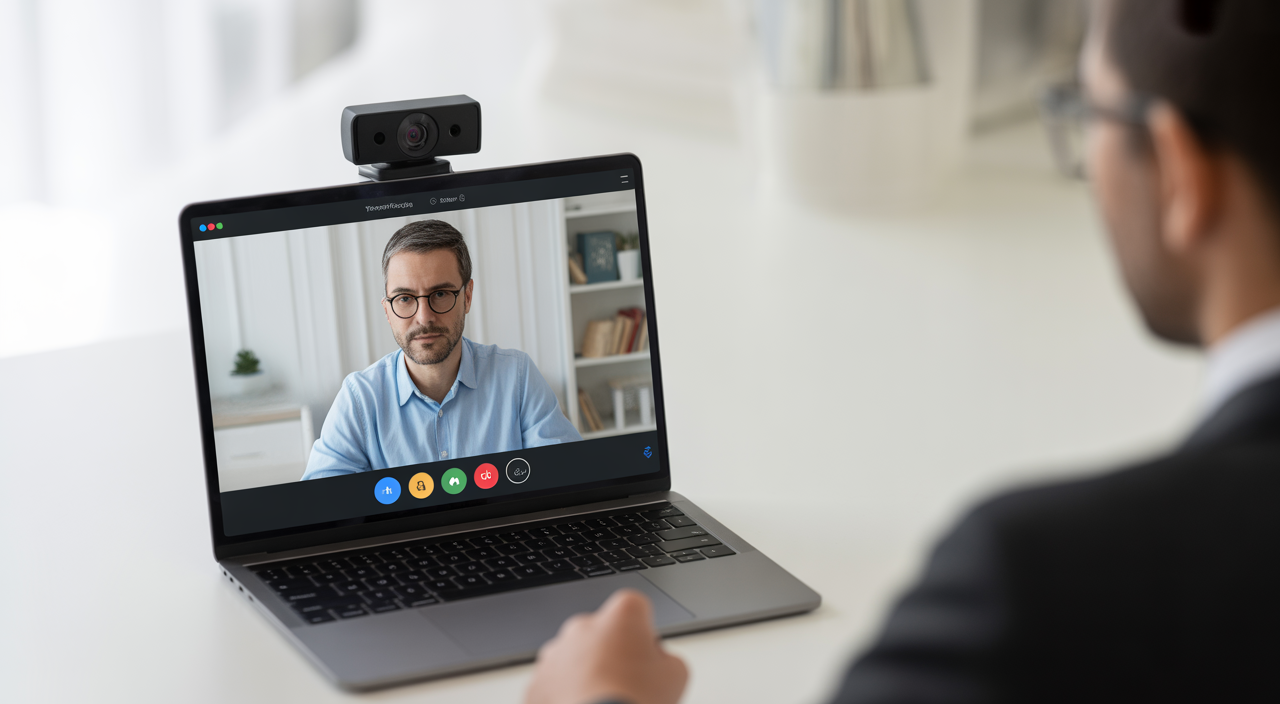
If you are an exam coordinator or an investor in education technology, understanding webcam proctoring will help you choose the right solution, plan budgets, and scale remote exams smoothly.
What Is Webcam-Based Online Proctoring?
Webcam-based online proctoring is a method of remote exam monitoring where a live human invigilator watches candidates through their camera during the test. The goal is to protect online exam integrity and prevent cheating while still giving students the comfort of writing from home.
In a simple single-camera setup, the candidate’s face, screen, and immediate surroundings are visible to the proctor. The proctor can pause the exam, chat with the candidate, or flag suspicious activity. Many platforms also record the full session for later review.
This is different from fully automated or multi-camera systems. Automated tools rely only on software to detect unusual movements or sounds. Multi-camera setups may use extra devices for a 360-degree room view. Single-webcam live proctoring balances strong security with low hardware cost and easy deployment.
How Single-Webcam Live Proctoring Works
Step-by-step process
1. Login and ID verification
Before the exam starts, the candidate logs into the proctoring platform. They show a valid ID card to the camera. The proctor checks the name, photo, and sometimes asks the candidate to look left and right to match the face properly.
2. System and environment check
The platform runs a quick system check. It confirms webcam access, microphone, internet speed, and browser compatibility. The proctor then scans the room through the webcam to ensure no one else is present and no banned materials are visible.
3. Live monitoring during the exam
Once the test begins, the proctor watches multiple candidates on a secure dashboard. They observe eye movement, body language, and background activity. If they notice anything unusual, they may send a warning message or speak to the candidate using voice or chat.
4. Incident flagging and reporting
If a serious issue is detected, such as another person entering the room, the proctor can flag the incident. The platform stores these flags along with time stamps and video clips. After the exam, the institution receives a detailed report to make fair decisions.
Technical requirements for candidates
To use a webcam proctored exam system, most candidates need only basic equipment:
- A laptop or desktop with a built-in or external webcam (HD quality is ideal, but most standard cameras are enough)
- Stable broadband connection, usually at least 1–2 Mbps upload speed
- A modern browser and updated operating system
- Quiet, well-lit room where no one will interrupt during the exam
This makes single-camera live proctoring especially attractive in India, where students and professionals may work from smaller towns but still have access to basic devices and broadband.
Benefits for Institutions and Test-Takers
For universities, training institutes, and certification bodies
- Lower cost: There is no need to rent exam halls, hire local invigilators, or manage paper logistics.
- Fast scaling: You can run hundreds or thousands of exams across cities and countries at the same time.
- Clear audit trails: Recorded sessions, flags, and reports help meet accreditation and compliance needs.
For test-takers and working professionals
- Convenience: No travel, no staying in hotel rooms, and flexible exam slots.
- Comfort: Giving an exam from a familiar environment often reduces anxiety and improves performance.
- Fairness: Standardized remote proctoring reduces chances of irregularities compared to some offline centers.
Institutes planning big initiatives, such as online training or certification programs, can also explore other digital transformation ideas, similar to those shared in guides like things you must do before launching your business.
Privacy and Compliance: How Safe Is It?
Security and privacy are key concerns for both Indian regulators and global partners. A strong webcam proctoring platform should follow global data protection practices while still staying easy to use.
Some important privacy features include:
- Secure data transmission: Video and audio streams are encrypted so that no outsider can view or capture them.
- Controlled data storage: Recordings are stored in secure data centers for a fixed period, then deleted according to policy.
- Limited access: Only authorized staff from the institution or proctoring provider can access sensitive data for investigations or audits.
When selecting a vendor, ask where the data is stored, how long it is kept, and what certifications or standards they follow for information security.
Best Practices for a Smooth Exam Experience
Whether you are an exam organizer or a candidate, a few simple steps can remove most technical risks and ensure a stress-free session.
For candidates
- Test your webcam, mic, and internet at least one day before using the platform’s system check tool.
- Choose a quiet room with good lighting. Keep your face clearly visible without strong backlight.
- Keep only allowed items on your desk. Save all notes and textbooks outside the camera frame.
- Plug in your laptop or ensure the battery is fully charged before the exam starts.
For institutions
- Share clear instructions and demo videos with candidates well in advance.
- Provide a helpdesk number or chat support for last-minute issues.
- Run a small pilot exam with a sample group before launching at full scale.
Simple preparation can greatly reduce support calls and build trust among candidates, especially those new to remote exam monitoring.
How to Choose the Right Webcam Proctoring Vendor
For Indian institutions and ed-tech investors, selecting the right partner can lead to strong long-term returns. Here are some points to evaluate:
- Human vs software-only proctoring: Live human invigilators often provide better judgment and candidate support than fully automated systems.
- Reporting and analytics: Detailed incident reports, time stamps, and dashboards make it easier to analyze test integrity.
- Ease of integration: Check if the solution can connect smoothly with your existing learning platforms or exam portals.
- Transparent pricing: Understand whether you are paying per exam, per candidate, or through a subscription model.
Decision-makers who are already comparing digital tools may also find it useful to read about topics like improving hiring outcomes with video interview platforms, as many concepts overlap with remote supervision and secure video handling.
Why Single-Webcam Live Proctoring Makes Sense
A focused online proctored exam webcam setup with a single camera provides strong security while keeping hardware needs low. It is ideal for large-scale exams in India where candidates may not have advanced devices but do have a basic laptop and internet.
For institutions, this approach brings better control, strong reporting, and compliance support. For candidates, it offers a simple, user-friendly way to take high-stakes exams from home with confidence.
FAQs
Q1. Can I use my laptop’s built-in camera for a proctored exam?
Yes, in most cases a standard built-in laptop webcam is enough. The key is that your face must be clearly visible and the camera should stay steady throughout the exam. If your laptop camera is very old or low quality, you may consider a basic external USB webcam.
Q2. What happens if my internet connection drops during the exam?
If the connection breaks for a few seconds, many platforms try to reconnect automatically. If the outage is longer, the exam might pause and the proctor or support team will guide you on the next steps. Institutions usually have clear policies for such cases, so it is good to read the rules in advance.
Q3. How long are proctoring recordings stored?
This depends on the provider and the institution’s policy. Some keep recordings for a few weeks, while others may store them for several months for audit and dispute resolution. After that period, the data is deleted according to the retention policy shared with the client.